
Inviting Team Members and Managing Role Permissions
How to invite staff, assign Owner, Admin, Accountant, or Viewer roles, and restrict financial access.
What You Will Accomplish
Safely collaborate with directors, finance managers, and external tax accountants while enforcing strict least-privilege role boundaries.
- Owner or Admin permissions in the workspace
- Email addresses of invitees
Step-by-Step Instructions
Open Team Settings
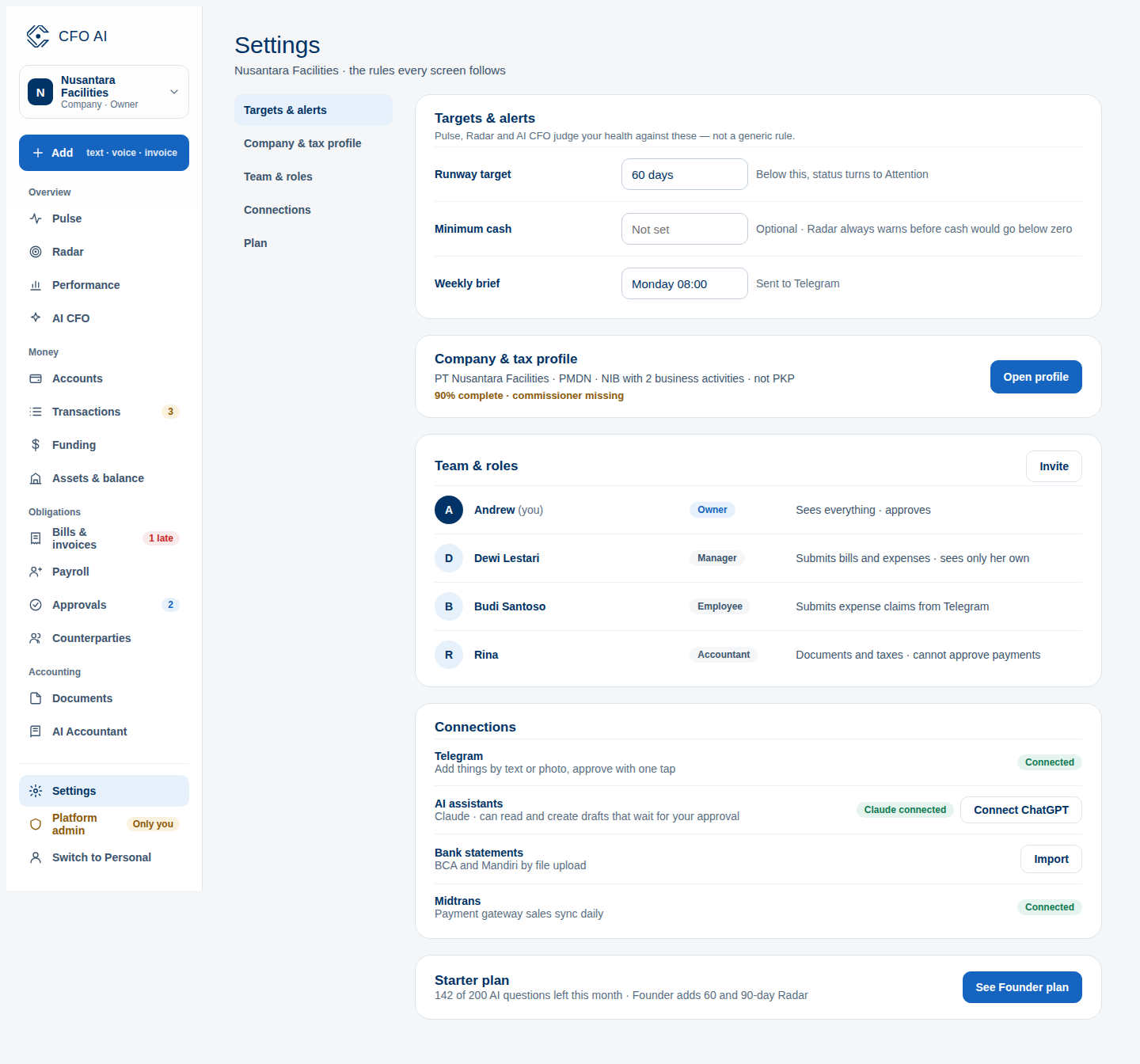
In the sidebar, navigate to Settings > Team Members.
Click Invite Member
Click the 'Invite Member' button in the top right corner of the directory table.
Select Appropriate Role
Enter the email and choose: Owner (full control & billing), Admin (operational configuration), Accountant (reconciliation & export packages), or Viewer (read-only charts).
Send Invitation
Confirm the invite. The recipient will receive an email invitation valid for 7 days.
Expected Result
Common Errors & Troubleshooting
By design, Accountant roles do not have access to credit card or billing management. Only workspace Owners can manage billing.