
Creating Your Account and Initial Workspace Setup
Step-by-step guide to signing up via work email, naming your workspace, and selecting your base currency.
What You Will Accomplish
Create your personal authenticated identity and establish your first company workspace with isolated financial data.
- Corporate or personal work email address
- Web browser supporting modern TLS 1.3 encryption
Step-by-Step Instructions
Initiate Registration
Visit app.cfo-ai.site/login and select 'Create Free Account' or enter your work email address.
Verify Email Magic Link
Check your inbox for the secure authentication link sent from auth.cfo-ai.site and click to confirm your session.
Name Your Workspace
Enter your operating company brand or trade name. Choose whether this workspace is for a single operating business or a holding entity.
Select Base Currency & Timezone
Select Indonesian Rupiah (IDR) as your reporting currency and Asia/Jakarta (WIB) or Asia/Makassar (WITA) timezone.
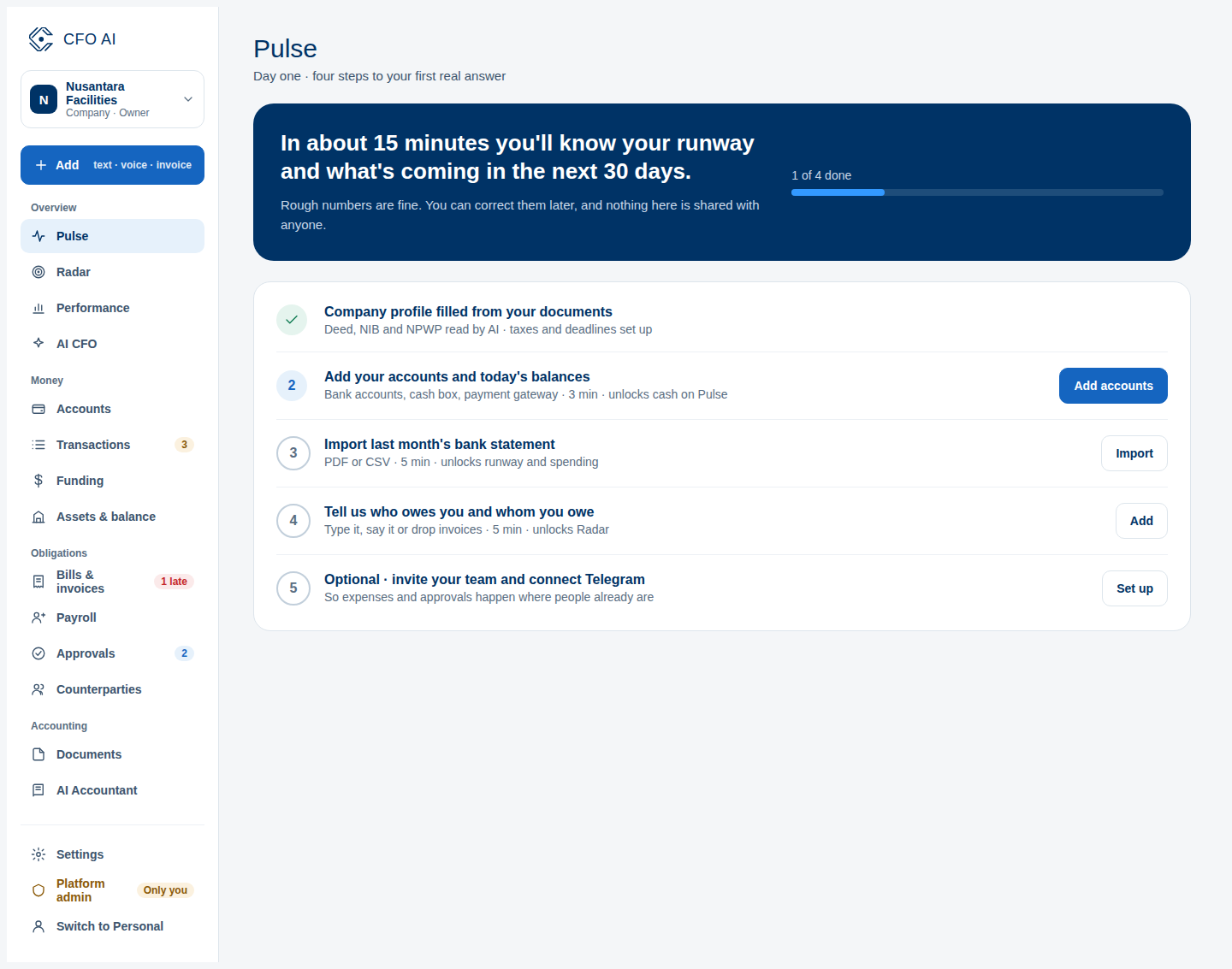
Expected Result
Common Errors & Troubleshooting
Check your spam or junk folder. Ensure your email server permits incoming messages from auth.cfo-ai.site.