
Recording and Categorizing Manual Transactions
How to manually enter income, expenses, and transfers when bank statements are not immediately available.
What You Will Accomplish
Maintain up-to-date cash tracking for immediate cash expenses, director loans, or physical cash dispatches.
- Accountant, Admin, or Owner role
- Transaction date, amount, and receipt details
Step-by-Step Instructions
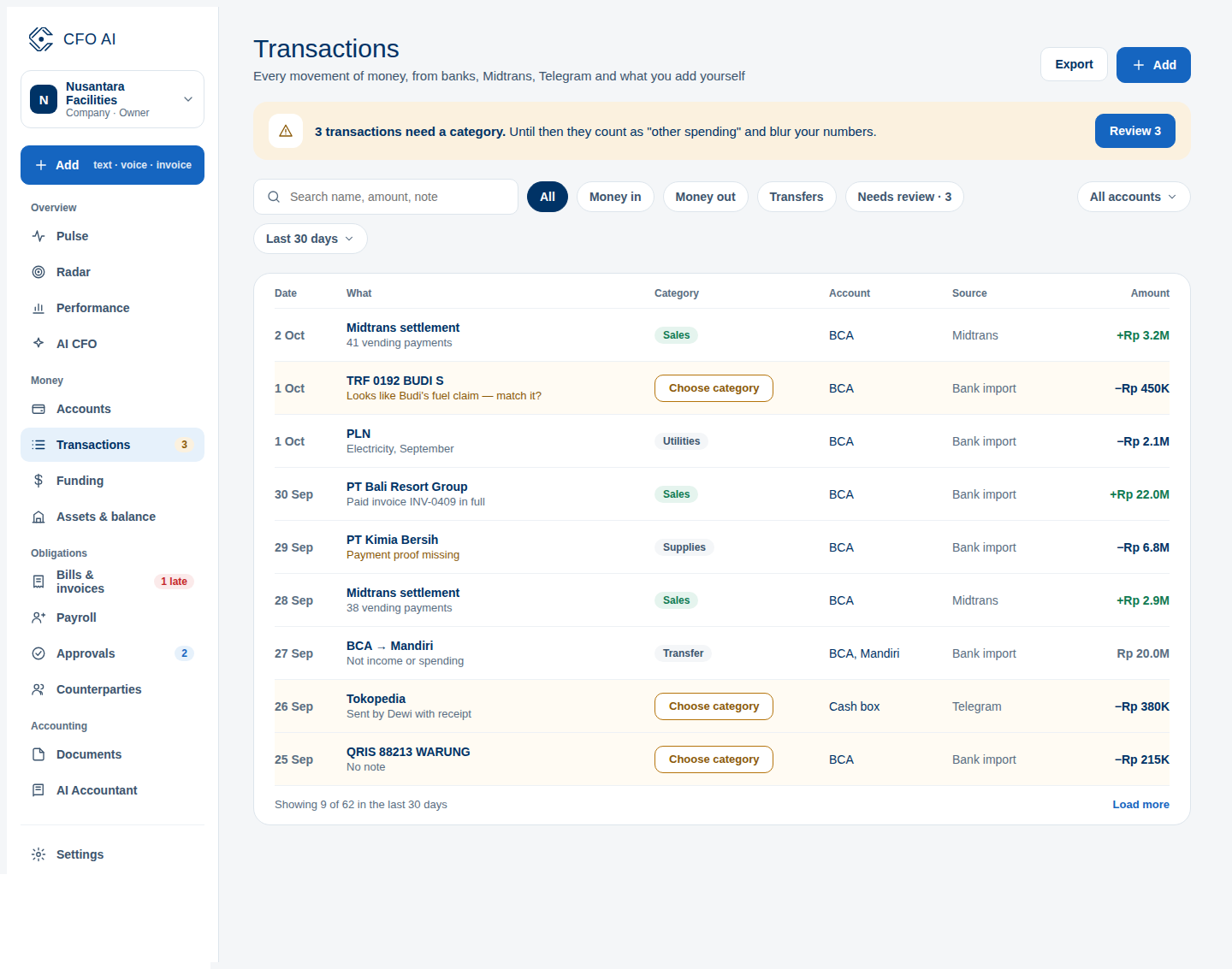
Go to Transactions Screen
Click Transactions in the left navigation sidebar.
Click New Transaction
Click '+ Record Transaction' at the top right of the transactions table.
Choose Type (Expense, Income, Transfer)
Select whether this is an Expense, Income, or Internal Account Transfer.
Assign Category & Attach Voucher
Select an operating expense category, enter counterparty/vendor name, and optionally drag-and-drop the payment receipt photo.
Expected Result
Common Errors & Troubleshooting
If the bank statement import later includes this transaction, CFO AI's match engine will suggest linking it to avoid double-counting.