
Document capture creates draft proposals requiring user verification, not automatic journal entries.
Uploading Receipts and Invoices for Document Extraction
How to upload PDF, JPG, or PNG files, view OCR-extracted amounts, and link receipts to ledger entries.
What You Will Accomplish
Centralize all vendor bills, paper receipts, and Indonesian Kwitansi, reading critical fields with AI OCR and preserving audit evidence.
- Scanned PDF, JPG, or PNG file of the receipt or invoice
- File size under 15 MB
Step-by-Step Instructions
Open Document Intake
Go to Documents in the left navigation sidebar.
Upload File
Drag your document into the upload dropzone or click 'Browse Files'.
Inspect OCR Extraction
Our local OCR engine analyzes vendor name, date, invoice number, line items, and total amount with PPN tax detection.
Verify and Link to Ledger
Review extracted values on the verification pane, make adjustments if needed, and click 'Attach to Ledger'.
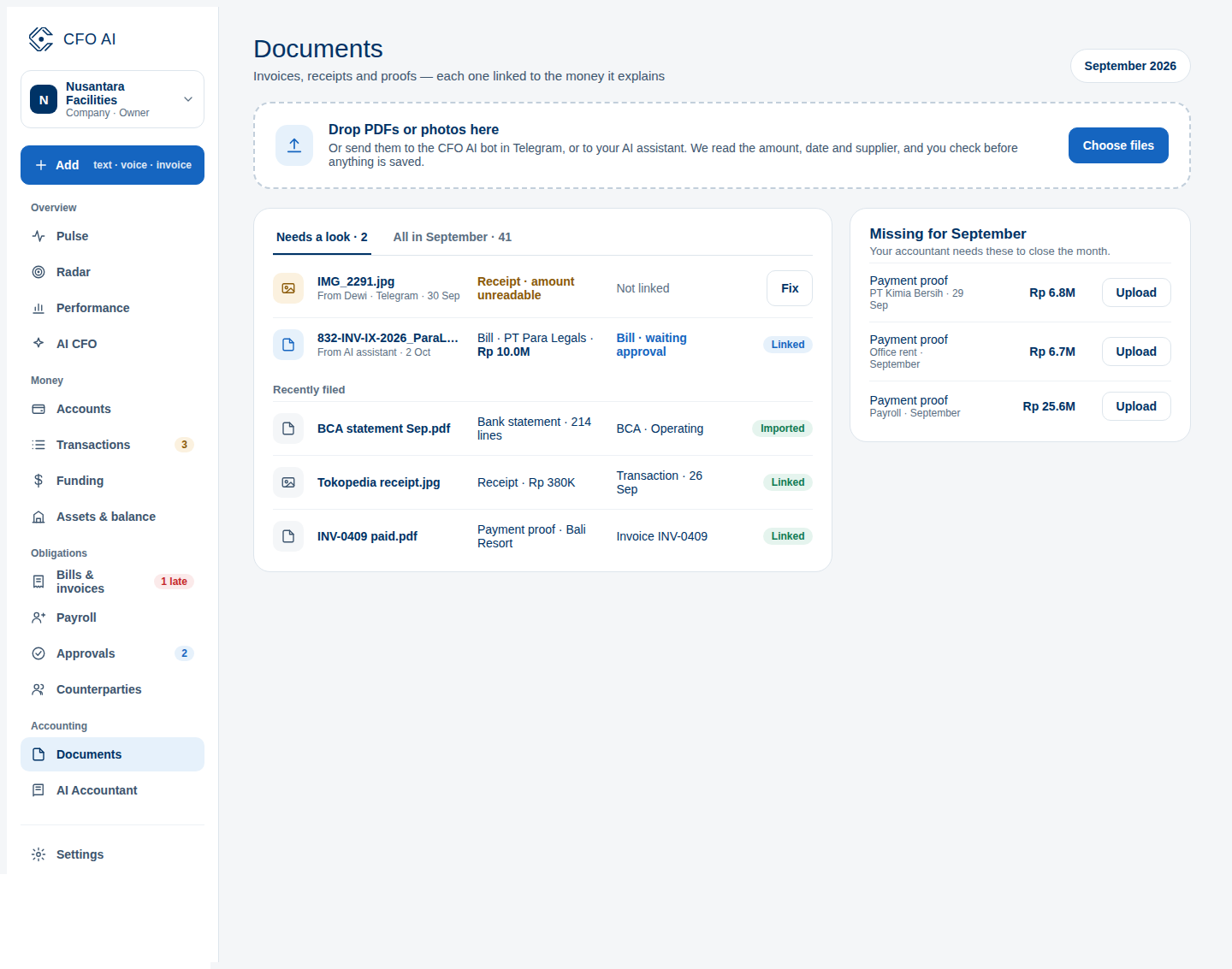
Expected Result
Common Errors & Troubleshooting
If a paper receipt has thermal fading, you can manually type missing digits into the verification fields before saving.