
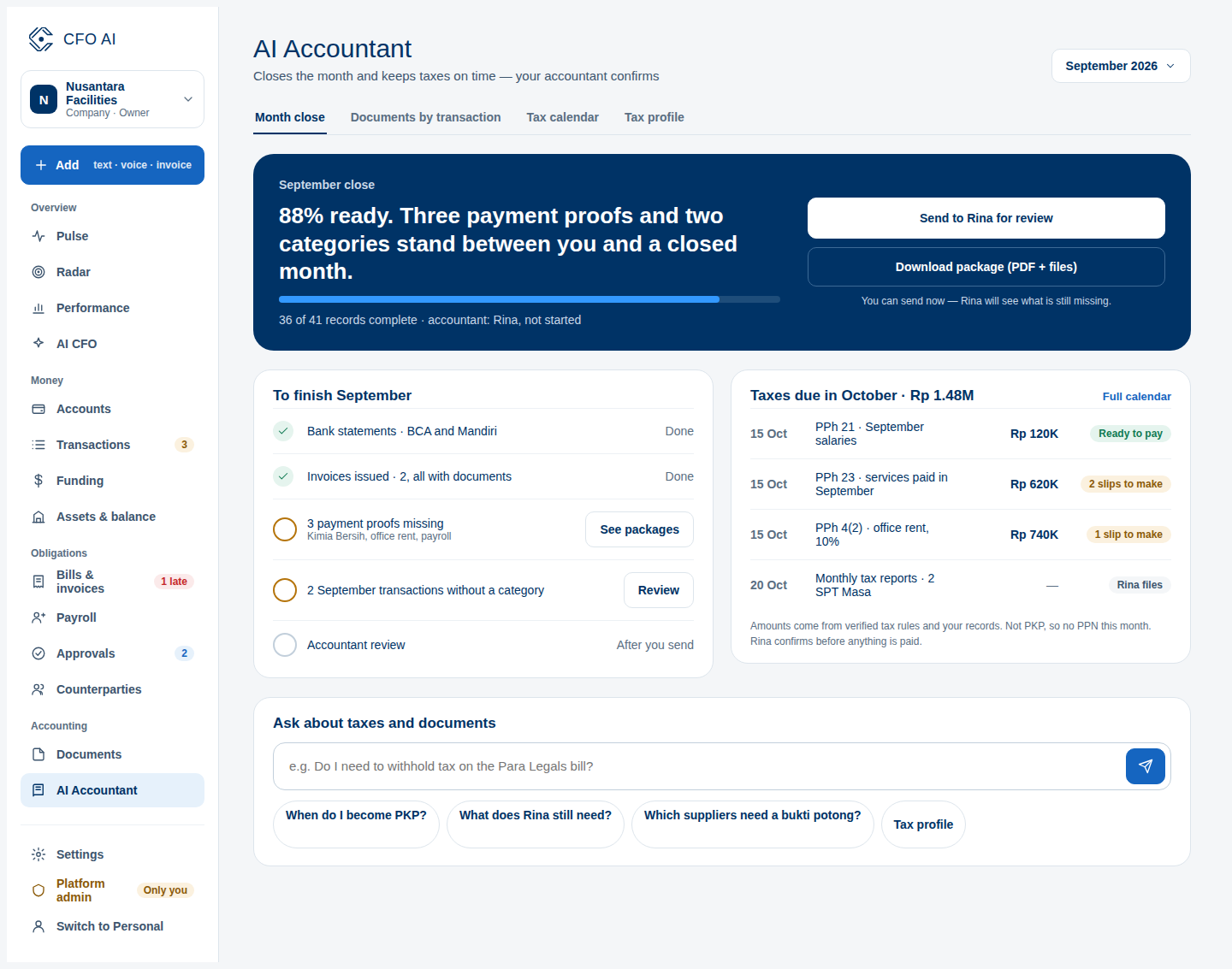
AI Accountant: Reviewing Auto-Categorization & Tax Suggestions
Reviewing proposed transaction categories and understanding the boundary between AI suggestions and human approval.
What You Will Accomplish
Speed up categorization while maintaining absolute human authority over financial and tax ledger records.
- Accountant, Admin, or Owner role
Step-by-Step Instructions
Open Accountant Workbench
Navigate to Accountant > Auto-Categorization Queue.
Inspect Proposed Categories
Review transactions where AI has suggested account codes based on vendor history and description.
One-Click Confirm or Adjust
Click 'Approve' to commit the category, or select a different account from the dropdown.
Expected Result
Common Errors & Troubleshooting
Simply select the correct account; the system remembers your preference for future transactions with that vendor.