
Setting Up Team Members and Running Monthly Payroll
Manage salary components, calculate PPh 21 TER withholding previews, and record approved salary disbursements.
What You Will Accomplish
Organized payroll cycles compliant with Indonesian tax rules, creating auditable salary records and disbursements.
- Admin or Owner role
- Staff salary contracts and BPJS/tax status details
Step-by-Step Instructions
Open Payroll Screen
In the left navigation sidebar, click 'Payroll'.
Set Up Staff Profiles
Add staff with their legal names, Indonesian NIK/NPWP, monthly base salary, allowances, and PTKP tax category.
Initiate Payroll Cycle
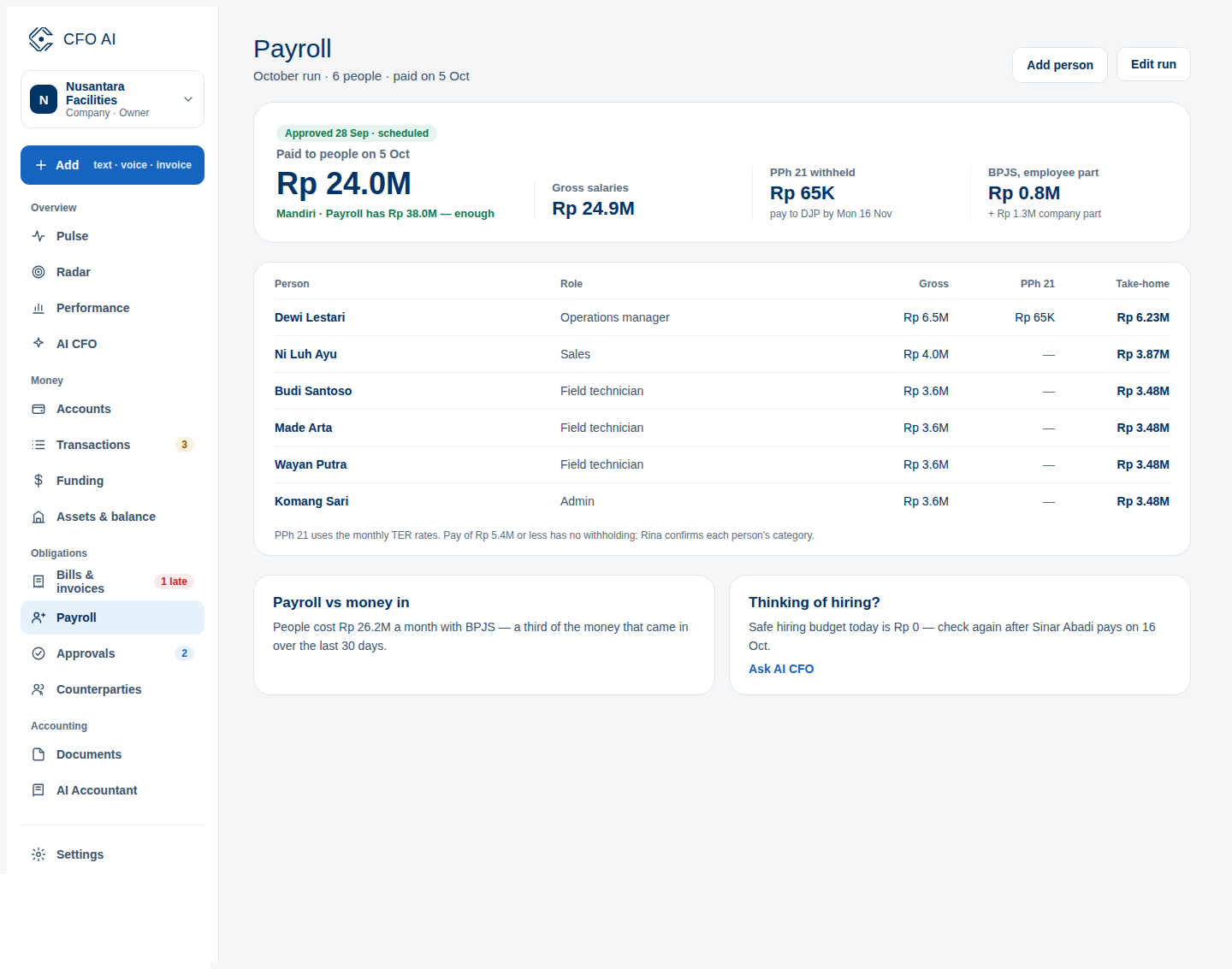
Click 'Run Monthly Payroll', select the pay period, and review the automatic PPh 21 TER withholding calculations.
Approve & Record Disbursement
Review gross-to-net totals, approve the run, and link the disbursement to your bank checking account.
Expected Result
Common Errors & Troubleshooting
Update the staff member's PTKP category under Payroll > Staff Directory; subsequent cycles will apply the updated withholding percentage.